| First Published 5 Nov 2026 |
|---|

Starting with version 2608, users have been able to increase the font size in the Property Sheet from the default 8pt.
This change has been a very significant benefit for Access developers, who no longer need to experience eye strain trying to read the tiny 8pt font in the Property Sheet.
A dropdown is now available in Access options with various values from 8pt up to a maximum 72pt. An even wider range between 1pt and 127pt can also be entered manually or set using code.
The same changes were also made to the existing combo boxes used to set query design and datasheet font sizes.
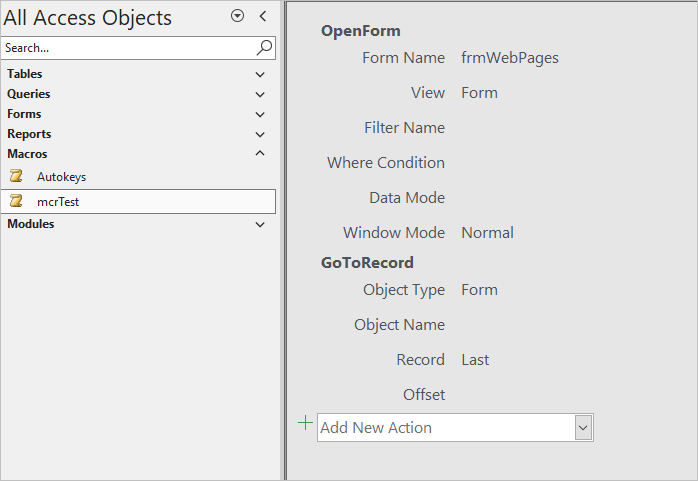
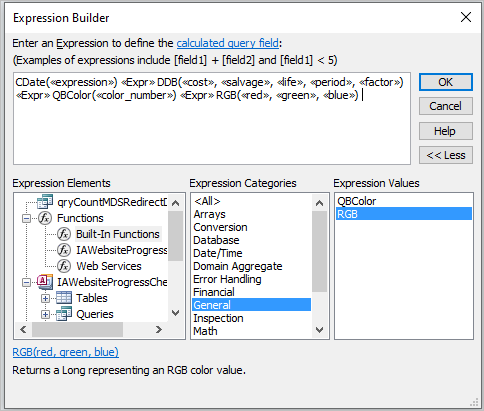
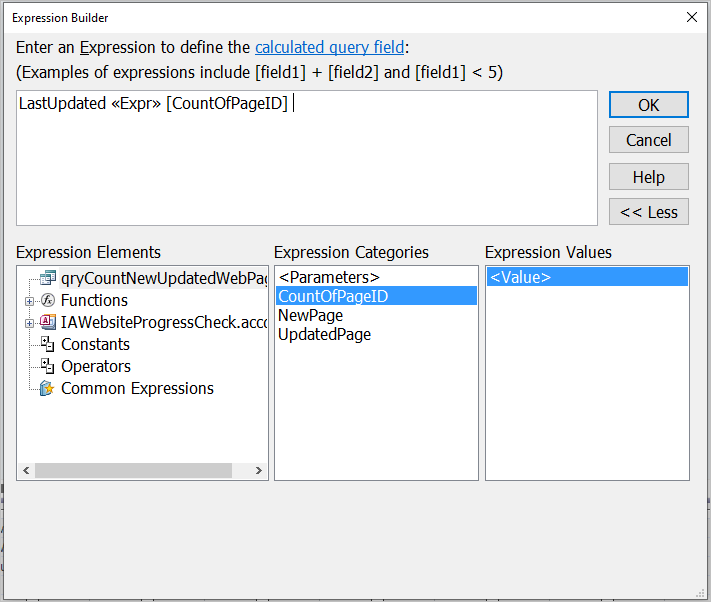
Following those small improvements, I made another similar request to the Access team, asking that users be allowed to select the font size in the Macro Designer and Expression Builder windows, both of which were previously fixed at 8pt. These changes have also been implemented in the latest Beta channel update to version 2611 build 20625.20032 from 2026-11-02.
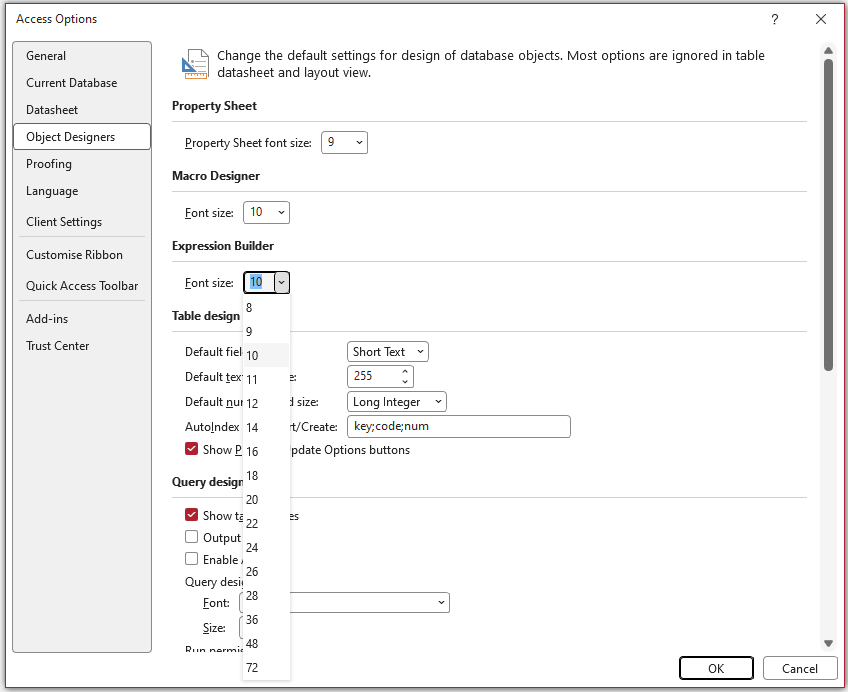
The value of the new properties, Macro Designer Font Size and Expression Builder Font Size, can now be changed from Access Options | Object Designers.
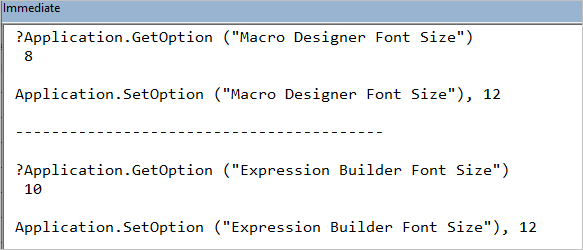
Alternatively, the property values can be read/changed using code:
Whichever approach is used, you will see a message stating you need to restart Access for the changes to take effect.
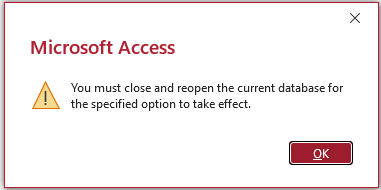
In fact, the changes take effect immediately and do not require Access to be restarted.
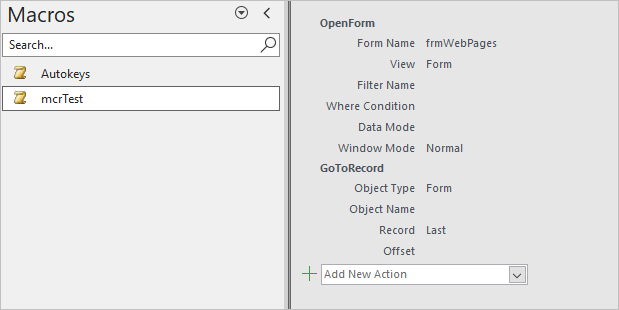
Macro Designer
| Default 8pt | Increased to 12pt |
|---|---|
 |
 |
Expression Builder
| Default 8pt | Increased to 12pt |
|---|---|
 |
 |
Further changes requested
I have also requested three further changes to allow editing of the font size in the:
• table designer field properties
• database documenter
• performance analyzer
The Access team have indicated that these changes will also be considered for implementation in the coming months.
I believe that implementing these changes will complete the list of items that need improvement for accessibility reasons. Please let me know if there are other items that I have overlooked.
Feedback
Please use the Email button in the contact form below to let me know whether you found this article useful or if you have any questions.
Please also consider making a donation towards the costs of maintaining this website. Thank you.
| Colin Riddington | Mendip Data Systems | Last Updated 5 Nov 2026 |
|---|
|
Return to Access Blog Page
|
Return to Top
|